Kemp.rest / Examples / Designs / Error Doctor
KEMP.REST / EXAMPLES / DESIGNS
PressCare Error Doctor
Written by Kevin Kemp. These are the plugin screens published at presscare.com/presscare-error-doctor. The interface is HTML, CSS, and JavaScript in wp-admin. The scan behind it is PHP. The readme is on GitHub.
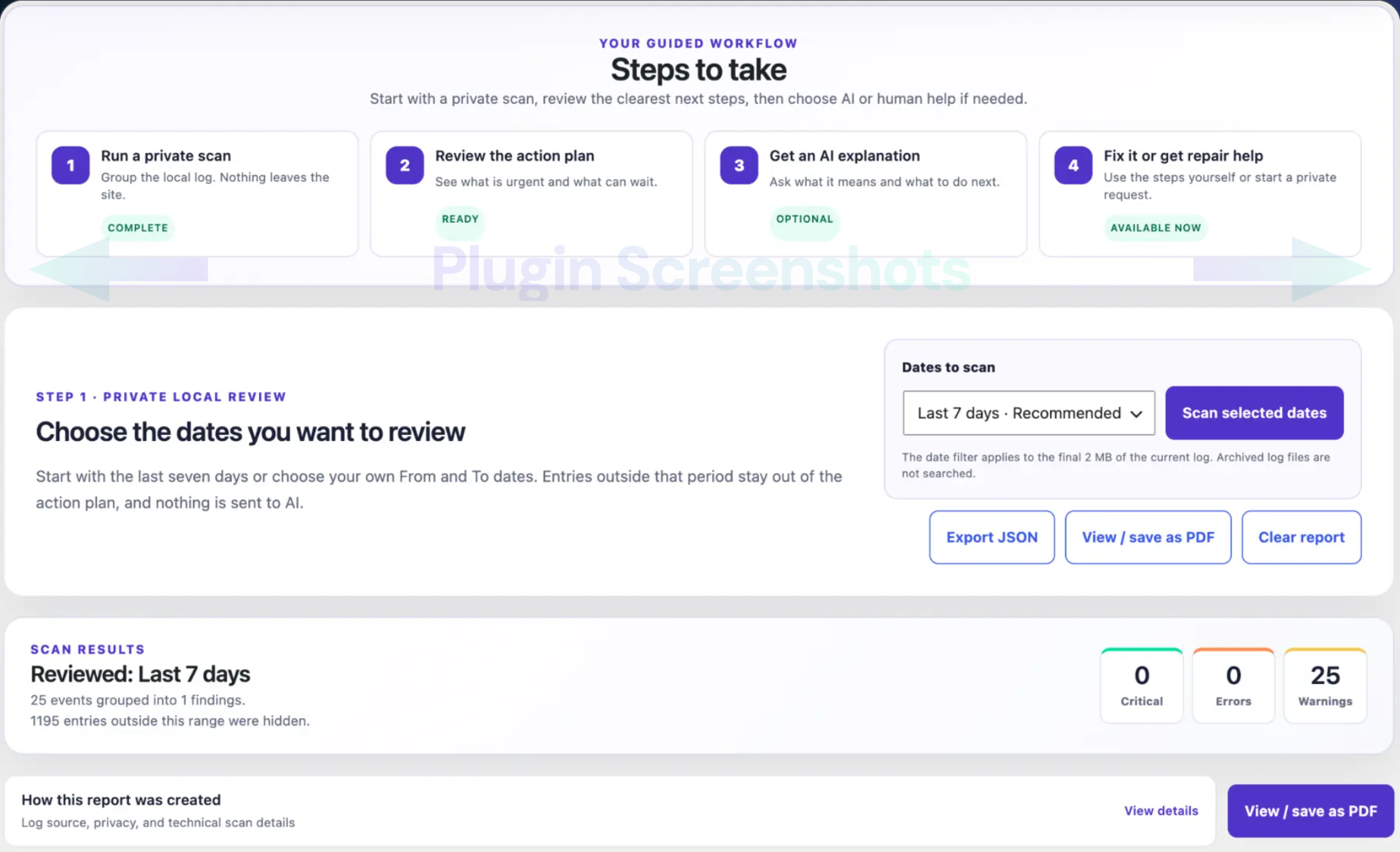
The workflow
Four steps sit at the top: a private local scan, the action plan, an optional AI explanation, and repair help. The date range decides which log lines enter the plan. Export and print stay on the sanitized report.
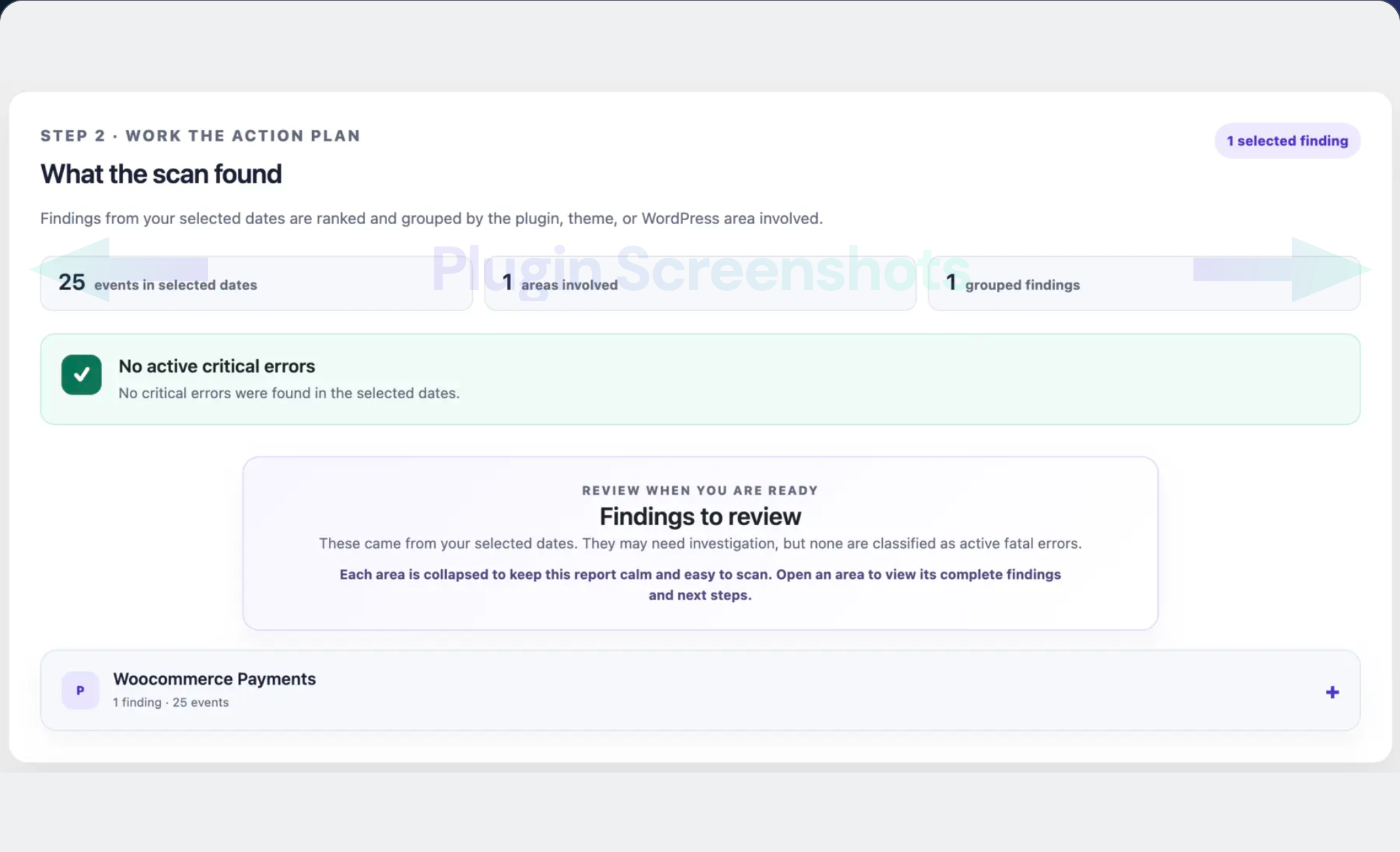
What the scan found
Repeated lines become one finding, filed under the plugin, theme, or WordPress area that owns the path. Critical errors are called out on their own. The rest stay collapsed until someone opens them.
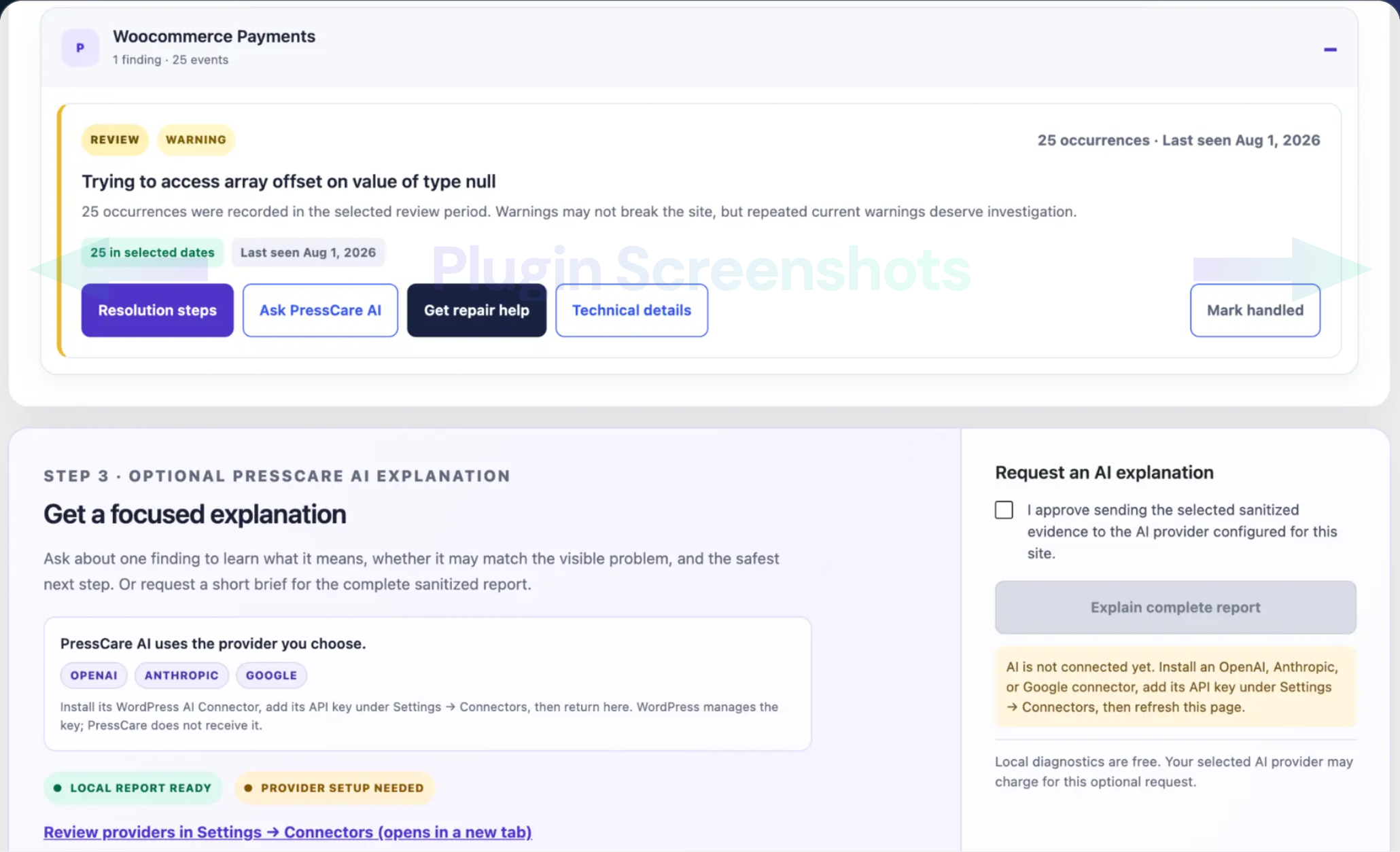
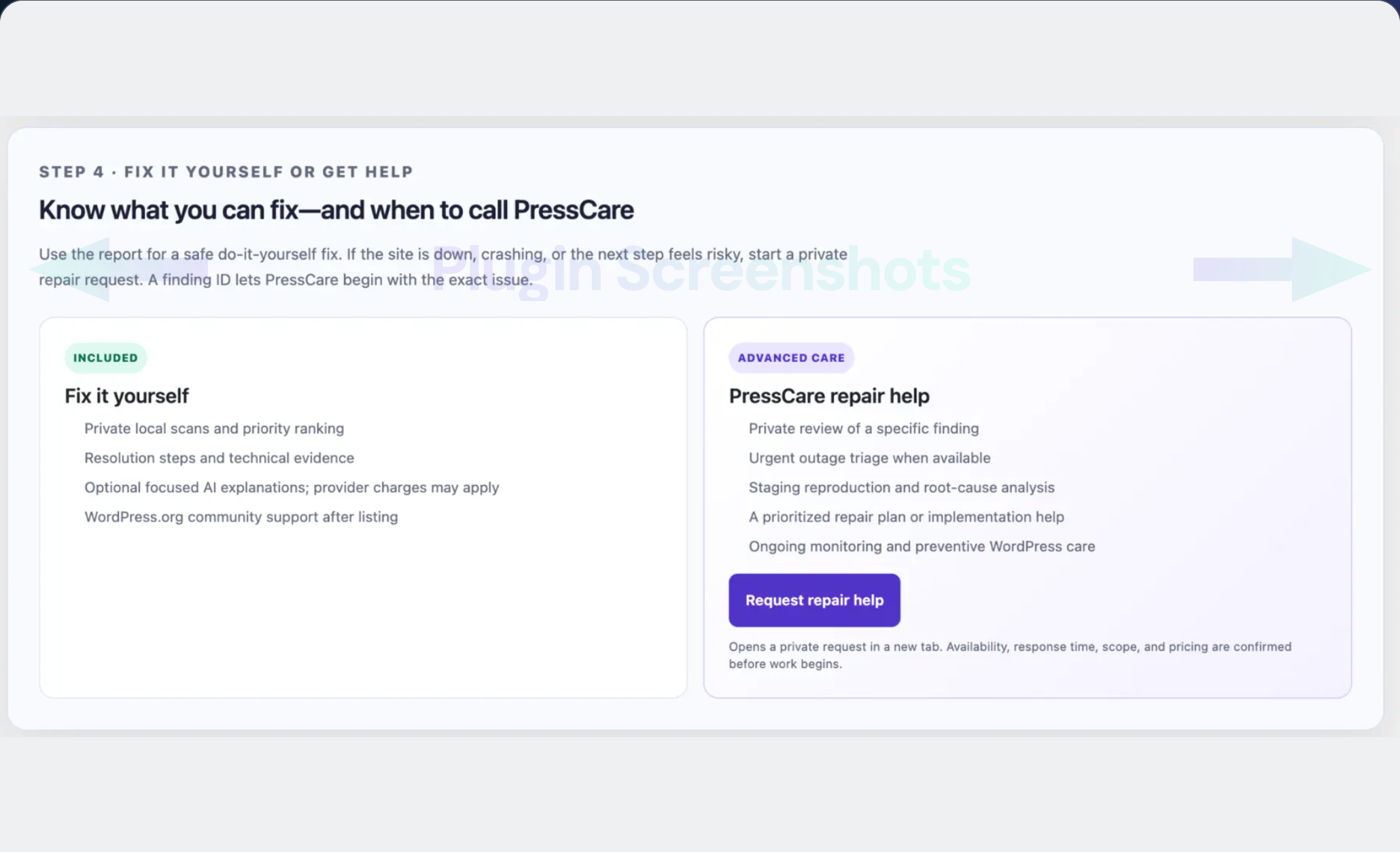
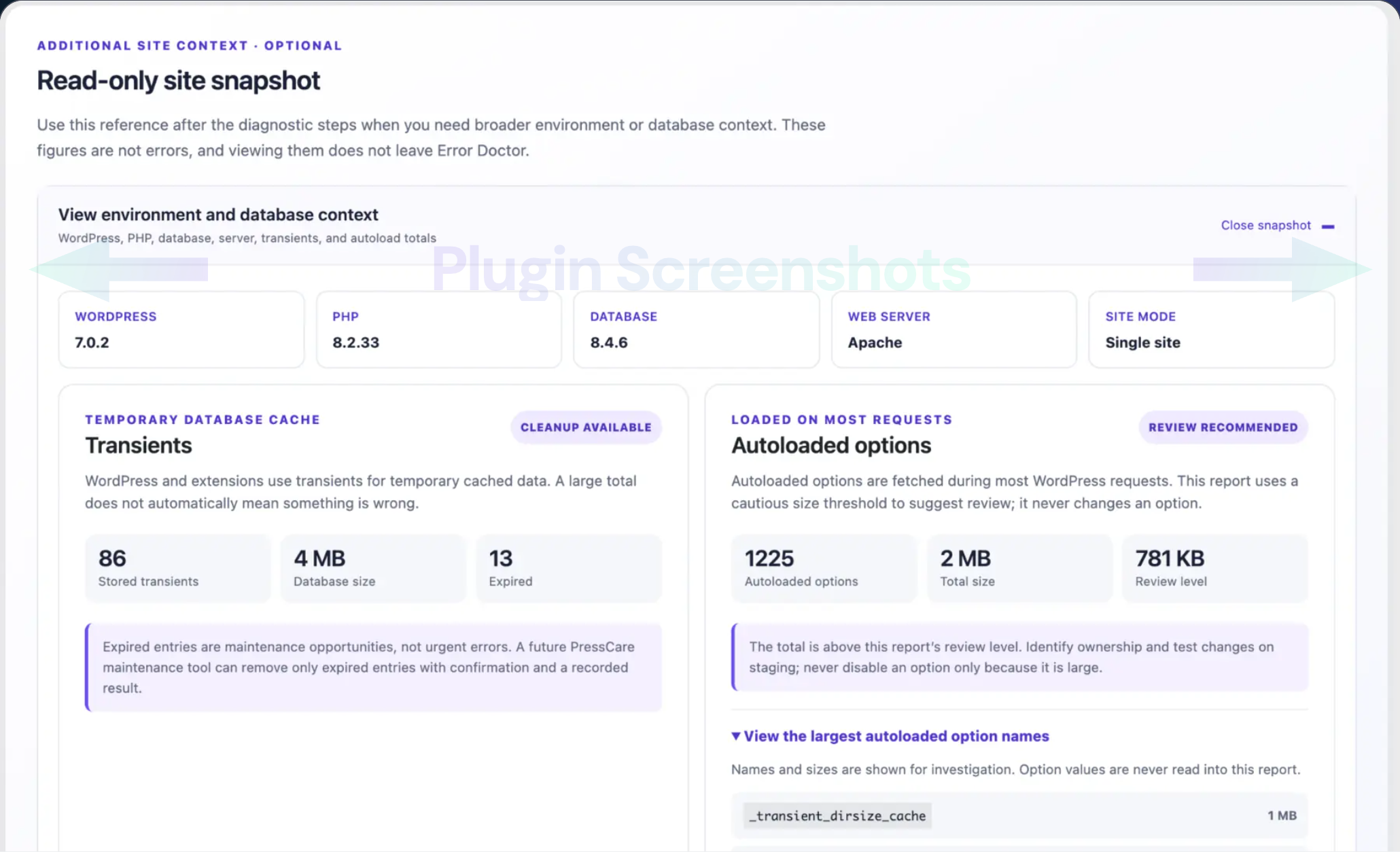
Repair help and the site snapshot
The steps for a finding are on the screen. A PressCare repair request is a separate choice. The site snapshot is read-only context: WordPress, PHP, the database, transients, and autoloaded options. Opening it does not change those options.